OTP Bypass : When Client-Side Validation Becomes a Joke
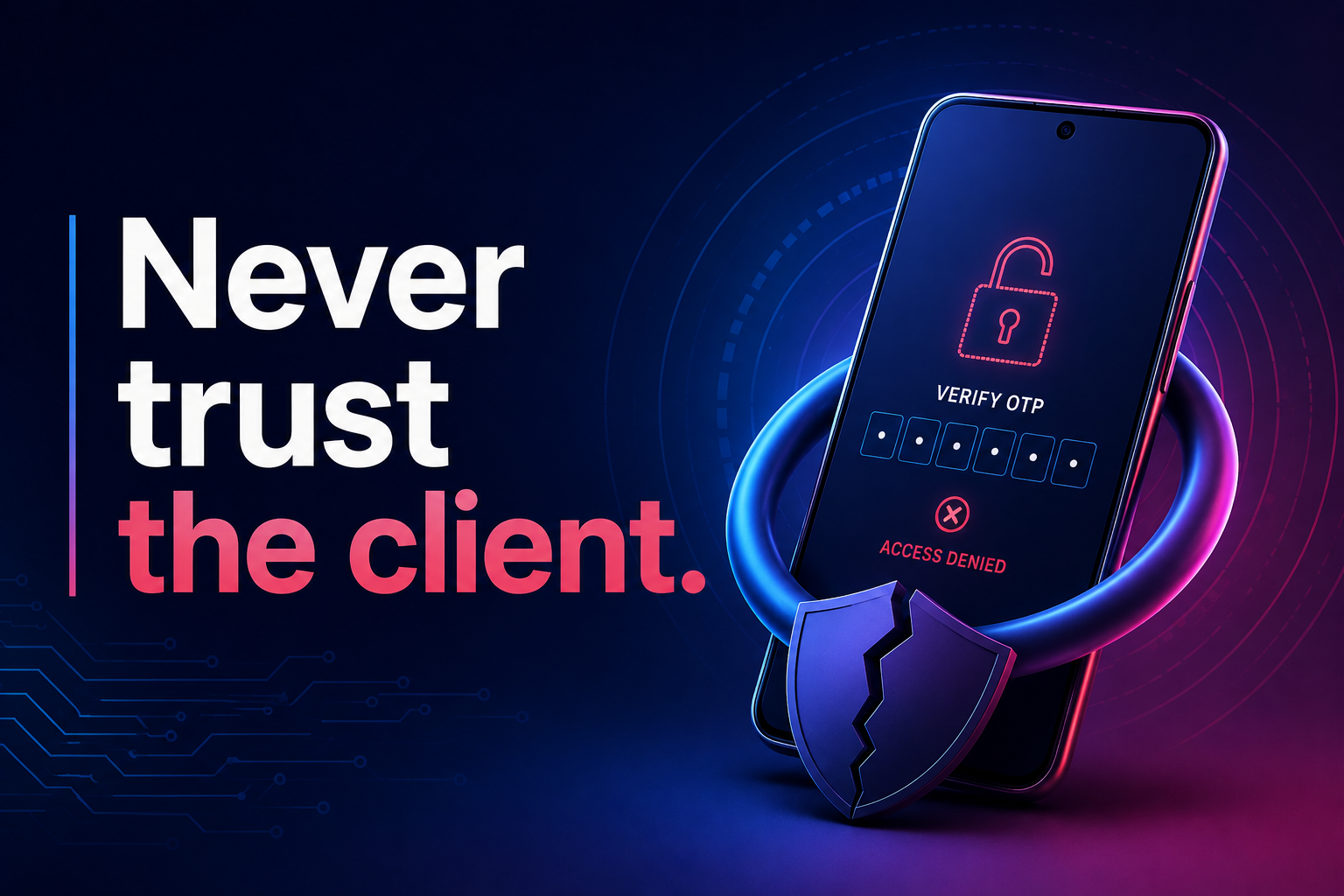
OTP flows make developers feel safe. They look secure. They feel secure. They even demo well.
But here’s the uncomfortable part: sometimes an OTP flow can become almost useless if the actual security decision is left to the client.
Not because of some advanced “hacking,” but because the application trusts something it should never fully trust: the frontend.
In some applications, especially when security isn't considered deeply during development, the flow might end up looking something like this:
User enters OTP
Backend checks the OTP
Backend sends
{ success: false }if it is wrongUI prevents the user from moving to the password reset step
Correct OTP makes the UI show the reset password form
From the developer's perspective, it may seem secure:
“The user can't reach the reset form without entering the correct OTP, so we're safe.”
And for a normal user following the application flow, that appears to be true.
The problem starts when the backend also assumes the frontend flow will always be followed.
An attacker doesn't have to follow that flow.
They can ignore the UI completely and interact directly with the API.
And this is something that has caught my attention many times while researching applications, inspecting network requests, and reverse engineering how different systems work.
Sometimes, the frontend is doing more than handling the user experience.
It's making decisions that should actually belong to the backend.
Your Frontend Is Not a Security Boundary
React, Next.js, Vue, Angular — it doesn't matter.
Anything running on the user's device is ultimately under the user's control.
Someone can inspect network requests, modify JavaScript, change application state, alter request parameters, replay API calls, or completely ignore your UI and communicate directly with the backend.
Let's go back to the OTP example.
Imagine a password reset flow:
POST /verify-otp

{
  "email": "user@example.com",
  "otp": "123456"
}
The server responds:
{
  "success": false,
  "message": "Invalid OTP"
}
The frontend correctly refuses to continue.
For a normal user, that's the end of the flow.
But what happens if someone ignores that response and directly calls:
POST /reset-password

{
  "email": "user@example.com",
  "newPassword": "NewPassword123!"
}
If the backend accepts this request because it assumes /verify-otp was already completed, then we have a serious problem.
The OTP wasn't really protecting the password reset.
The UI was.
And the UI should never be the final security boundary.
The backend needs its own proof that OTP verification actually happened.
For example, after successful verification, the server could issue a short-lived, single-use reset token.
Then /reset-password must validate that token before allowing the password to change.
Now skipping the UI doesn't help.
That's the difference between showing a security step and actually enforcing one.
OTP Is Just One Example
This isn't really an OTP-only problem.
The same kind of trust issue can appear in many parts of an application.
Take an admin panel.
Maybe the frontend contains something like:
if (user.role !== "admin") {
  return null;
}
Nothing is wrong with this by itself.
A normal user shouldn't see buttons they can't use.
The problem appears when this becomes the only protection.
Imagine that hidden button normally sends:
DELETE /api/users/123
If the backend doesn't independently verify whether the person making that request has permission to delete users, hiding the button doesn't provide real security.
The endpoint itself should ask:
“Is this authenticated user actually allowed to perform this action?”
It should never depend on:
“Did our frontend show them the button?”
The Same Problem Can Reach Pricing
Another interesting place to think about client trust is checkout and pricing logic.
Imagine the frontend calculates:
Product:     ₹10,000
Discount:    ₹2,000
Final Price: ₹8,000
Then it sends something like:
{
  "productId": 45,
  "finalPrice": 8000
}
Again, nothing necessarily looks suspicious during normal use.
But if finalPrice is trusted directly by the backend, the important question becomes:
What happens if someone changes it before sending the request?
Sensitive values such as prices, discounts, account balances, permissions, and subscription levels shouldn't become trusted just because they came from your own frontend.
Where possible, the backend should calculate or verify them using trusted server-side data.
Disabled Doesn't Mean Protected
Another thing worth remembering is that disabled, hidden, or read-only fields are UI controls.
They are not security controls.
You might have:
<input value="admin" disabled />
Or maybe the value isn't visible anywhere on the page.
That doesn't automatically make the value trustworthy.
If the request eventually contains fields like:
role
userId
accountId
price
discount
verified
isAdmin
subscription
permission
ask one simple question:
What happens if the client changes this value?
Not every client-controlled field is dangerous.
But if changing one of them can give access to another user's data, change permissions, affect money, or bypass an important verification step, the server needs to validate it independently.
Your JavaScript Isn't a Secret Either
Reverse engineering frontend applications also teaches you something interesting:
Everything you ship to the browser can be inspected.
Routes, API endpoints, request structures, feature flags, role names, internal states, old functionality — depending on how the application is built, some of this information can be discovered by understanding the frontend code and its network activity.
And to be clear:
Finding an API endpoint inside JavaScript is not automatically a vulnerability.
Neither is discovering an admin route.
The real question is what happens when someone interacts with it.
An admin endpoint that correctly checks authentication and authorization on the server?
That's fine.
An admin endpoint that assumes the frontend already checked isAdmin?
Now we have a problem.
This is why I find frontend reverse engineering interesting.
Sometimes what looks like a simple UI tells you a lot about how the application behind it was designed.
Think Like the Frontend Doesn't Exist
There is a simple way I like to think about this when looking at an application:
Pretend the frontend doesn't exist.
Now look at the API.
If I send this request directly, what stops me?
If I change the userId, what happens?
If I skip the previous step, what happens?
If I change the price, role, status, or permission field, what happens?
If I replay the same request, what happens?
If I call an endpoint that the UI never shows to my account, what happens?
The answers should come from things like:
authentication, authorization, server-side validation, business rules, and trusted server-side state.
Not from a hidden button.
Not from a disabled input.
Not from a React condition.
Not from localStorage.
And definitely not only from:
if (otpVerified) {
  showResetPassword();
}
Frontend Validation Is Still Important
This doesn't mean frontend validation is bad.
We need it.
Frontend validation makes applications easier and nicer to use.
Validate an email before sending the request.
Prevent obviously invalid form submissions.
Disable a submit button while a request is processing.
Hide admin controls from normal users.
Show useful validation messages.
All of that is good development.
The mistake is confusing UX validation with security validation.
A simple way to remember it:
Frontend validation is for the user. Backend validation is for the system.
If a rule matters to security, identity, permissions, money, or access to data, enforce it on the server.
The frontend can enforce it too.
But it shouldn't be the only place enforcing it.
The Bigger Problem Isn't OTP
That's why I don't really see this as only an “OTP bypass” problem.
OTP is just a very clear example of a much bigger design mistake:
Trusting the client to enforce something that the server should enforce.
Most normal users will interact with an application exactly as it was designed.
Someone testing its security won't.
They don't have to click your buttons in the expected order.
They don't have to respect disabled fields.
They don't care that a page is hidden.
They don't even have to use your React application.
They can start directly from the API.
So when building an OTP flow, admin action, checkout process, subscription system, or any other sensitive workflow, don't stop at asking:
“Does the UI prevent this?”
Ask one more question:
“What happens if there is no UI at all?”
That small change in thinking can reveal an entirely different side of your application.
And from a security point of view, that's the side that actually matters.